Integrate your own application with Flyder Harness using a single API key. Run workflows, drive chat tasks, and retrieve answers from your indexed knowledge — with first-class support for both Vectorless RAG (PageIndex) and traditional Vector RAG (Vector DB).
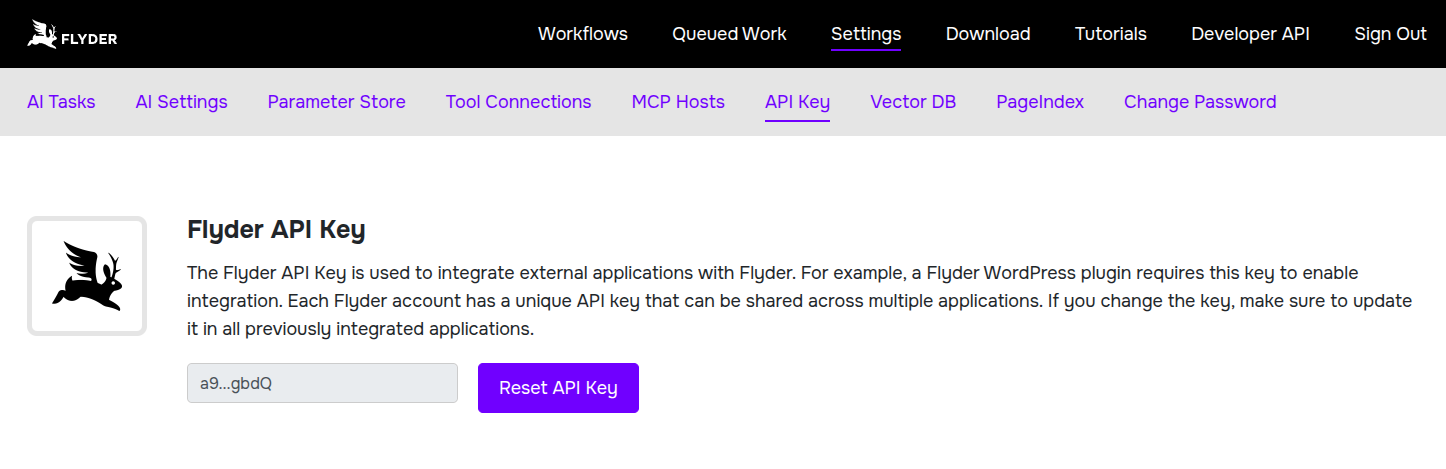
Every request to the Flyder Harness API is authenticated with a Flyder Harness API Key. Once you're signed in, generate one from Settings > Flyder Harness API Key as shown below.
PageIndex indexes your documents into a navigable structure instead of chunking and embedding them. Queries are answered by an LLM reasoning over that structure and pulling exact pages on demand — no vector database, no chunking artifacts, no embedding model to manage. It's the fastest-growing alternative to embedding-based RAG, and Flyder Harness's API exposes it directly:
POST /api/pageindex/documents — upload a PDF, Markdown, or text file for indexingGET /api/pageindex/jobs/{job_id} — poll indexing statusGET /api/pageindex/documents — list your indexed documentsGET /api/pageindex/documents/{doc_id}/structure — fetch a document's section/page outlineGET /api/pageindex/documents/{doc_id}/pages?pages=5-7 — fetch raw page contentPOST /api/pageindex/query — ask a question and get a reasoned answer across one or more documentsFor workloads that want classic embedding-based retrieval, Flyder Harness also runs a managed Vector DB. Upsert and delete documents directly through the API:
GET /api/vectordb/collections — list your collectionsPOST /api/vectordb/collections — create a collection, optionally uploading a file into itPOST /api/vectordb/collections/{collection_id}/upload — upload a file into an existing collectionDELETE /api/vectordb/collections/{collection_id} — delete a collection and all its dataGET /api/vectordb/collections/{collection_id}/chunks — list the chunks in a collection, paginatedPOST /api/vectordb/upsert — chunk, embed, and upsert text into a collectionDELETE /api/vectordb/delete — delete a document or a single chunkBeyond retrieval, the API runs the same automation building blocks available in the Flyder Harness UI:
GET /api/workflow/list / GET /api/workflow/details/{id} / POST /api/workflow/run/{id} — list, inspect, and trigger your saved workflowsGET /api/tasks/chat / POST /api/tasks/chat/{task_id} — list and converse with chat-enabled AI tasksEvery endpoint above accepts a Flyder Harness API Key, generated from Settings > Flyder Harness API Key once you're signed in. Send it as two headers:
Authorization: Bearer <your-api-key>
User-Email: [email protected]